SnoozeFlush: Toilet Alarm
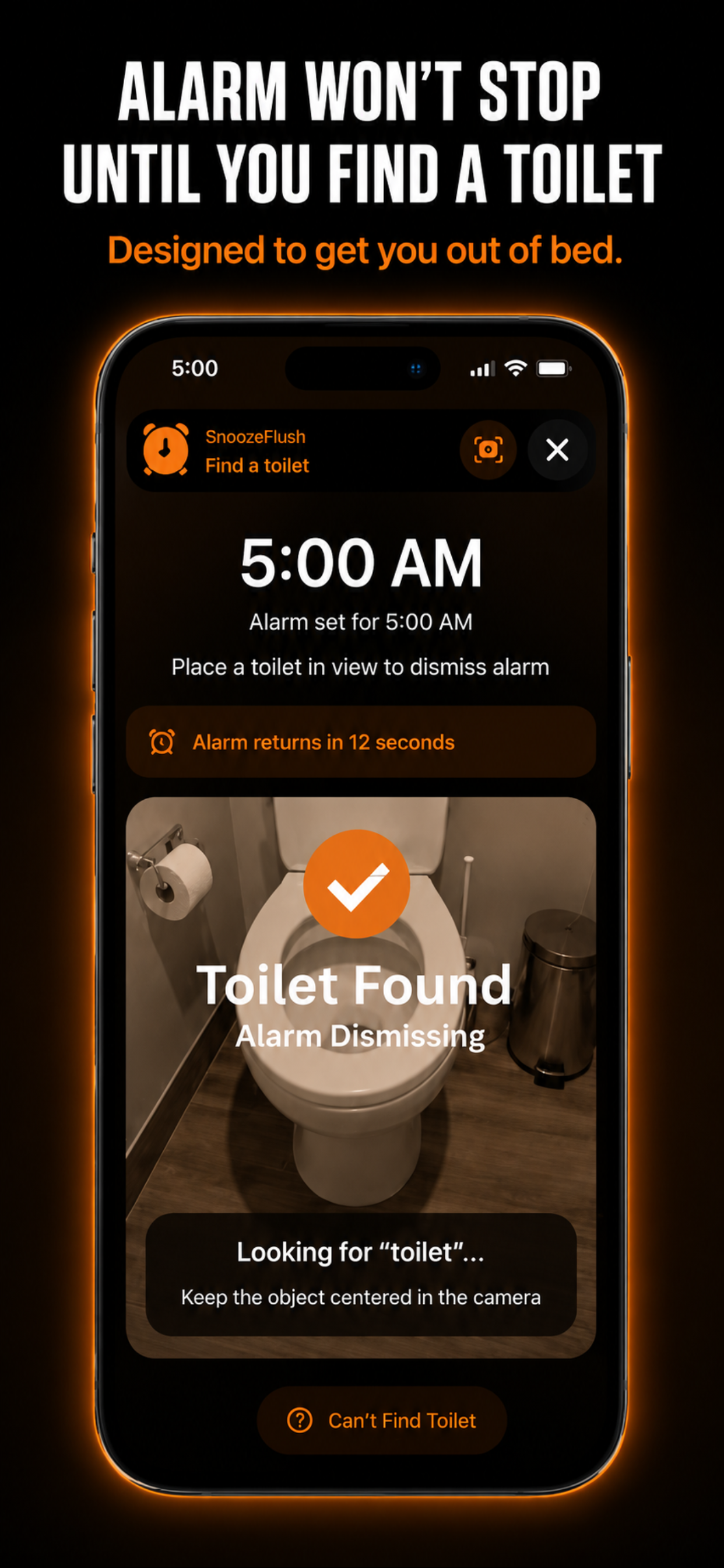
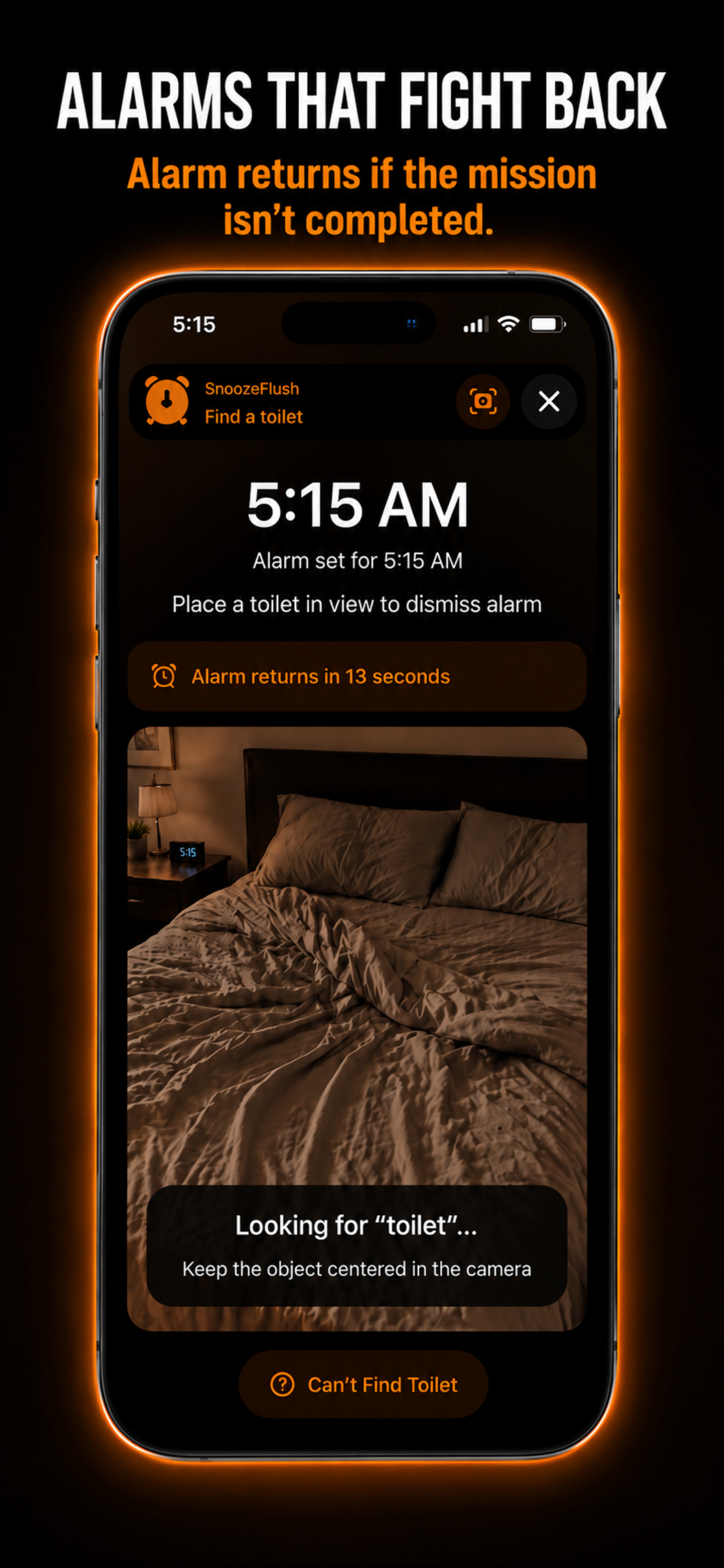
The alarm clock for heavy sleepers that gets you out of bed. When the alarm goes off, a camera view appears and it keeps screaming until a toilet is visible on screen. No toilet. No silence.
Download on the App StoreHow It Works
Screaming Alarm
Instead of turning off your alarm half-asleep, SnoozeFlush sounds off and locks your phone screen into camera mode.
Walk to the Bathroom
There is no snooze button. To silence the alarm, you must stand up, wake up, and walk to your nearest toilet.
Scan the Toilet
Hold the phone camera up and point it at the toilet bowl. Intelligent on-device AI scans the frame.
Sweet Silence
Once SnoozeFlush detects the toilet, the alarm instantly shuts off. By then, you are out of bed and ready to start the day.
Features
Toilet Wake-Up Mission
The only alarm clock built to physically force you out of bed to the bathroom.
On-Device Object Recognition
Fast, secure local camera recognition that detects toilets in milliseconds.
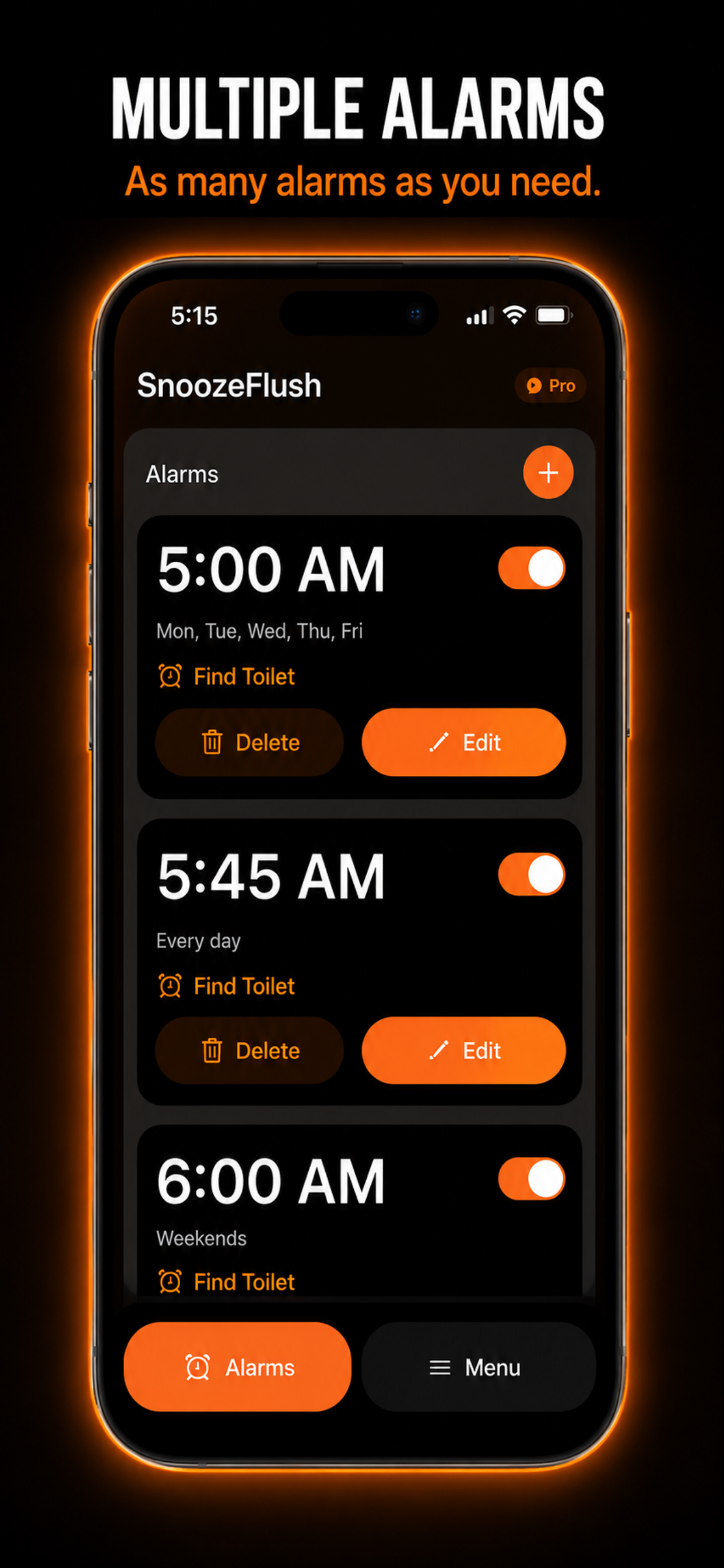
Flexible Schedule Alarms
Easily set and repeat individual alarms by day of the week.
Unignorable Custom Sounds
A selection of screaming alarm tones designed specifically to wake deep sleepers.
SnoozeFlush Pro
Enjoy free daily wake-ups or upgrade to Pro for unlimited alarms and premium features.
Designed For
Frequently Asked Questions
What is SnoozeFlush: Toilet Alarm?
SnoozeFlush is an iPhone alarm clock for heavy sleepers. When the alarm sounds, it starts a camera mission and continues ringing until a toilet is detected.
How do you turn off the SnoozeFlush alarm?
Get out of bed, walk to the bathroom, and point the in-app camera at a toilet. The alarm stops after the on-device recognition confirms the toilet.
Does SnoozeFlush upload camera images?
No. Camera frames used for the wake-up mission are processed on your device and are not stored, uploaded, or shared by SnoozeFlush.
Who is SnoozeFlush designed for?
SnoozeFlush is designed for heavy sleepers, habitual snoozers, students, shift workers, early risers, and anyone who struggles to get out of bed.
Privacy First
Camera frames are processed entirely on-device and are never stored, uploaded, or shared. Anonymous usage analytics help us improve the app and are not linked to individual users.